Complete the parent-app step
The Kidder family space and intended child profile should already be prepared.
Android setup · Child device
Preparatory guidance for the child’s Android device. Continue only after the Parent App provides an official child-device installation path.
Before this step
The Kidder family space and intended child profile should already be prepared.
Keep the exact device that will join the family profile in front of you.
Explain that Kidder is being prepared for the family’s chosen routines and protections.
Step by step
Android labels and settings paths can vary by device. Read the wording shown on the device in front of you.
From the Kidder family journey, choose the route for installing Kidder on the child device.
Use only the installation option presented through the verified Kidder Parent App. This website does not publish a Child App download.
Confirm you are working on the intended Android device and choose the child-device setup path shown on screen.
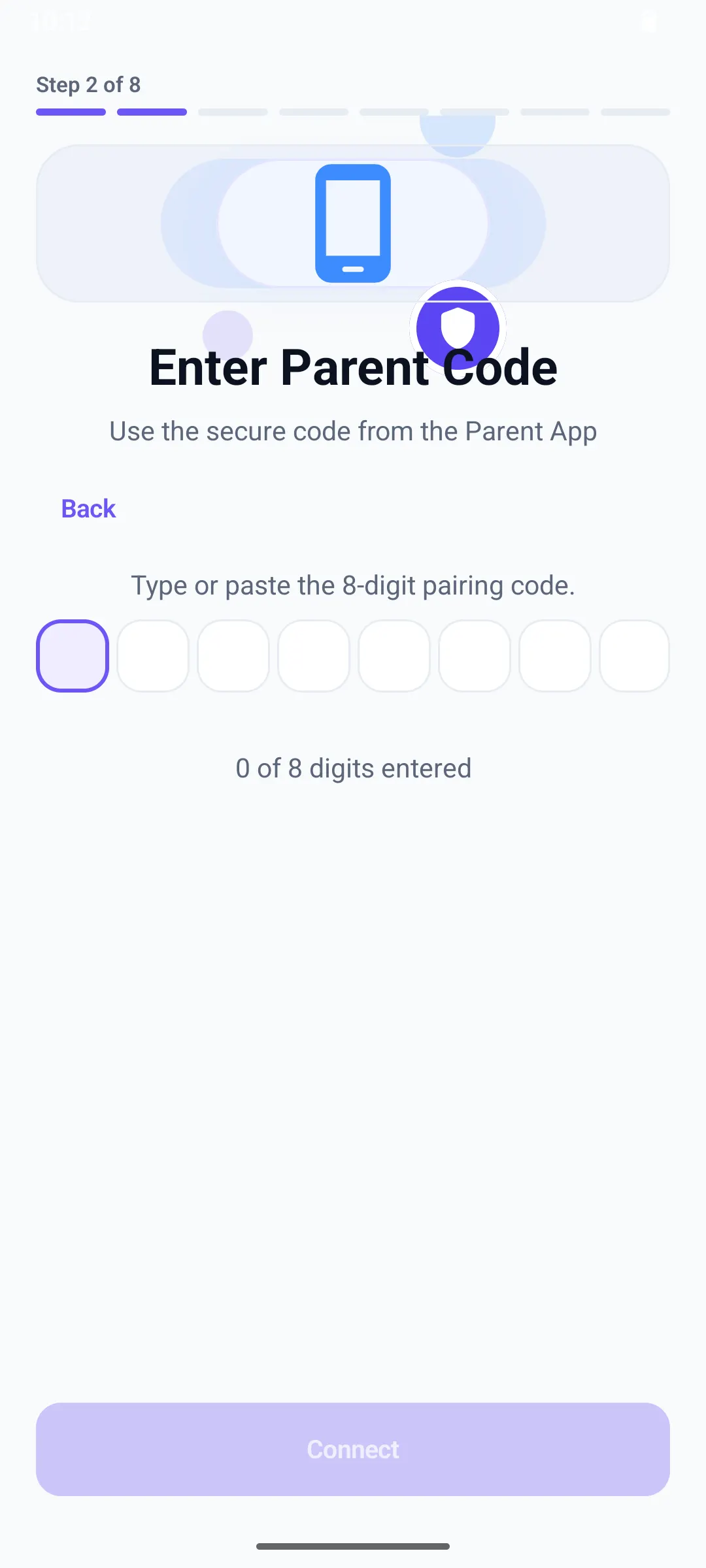
Keep Kidder open when the device indicates that it is ready to connect to the parent experience.
What you should see
The child device should show a clear pairing-ready state. Permissions and protection choices are reviewed after the devices are connected.
If it does not work
Stop before pairing and restart this step on the Android device intended for the child profile.
Check connectivity, available device storage, and current device software before trying the official path again.
Confirm the child-device setup route was selected and the parent family space is already prepared.