School and focus
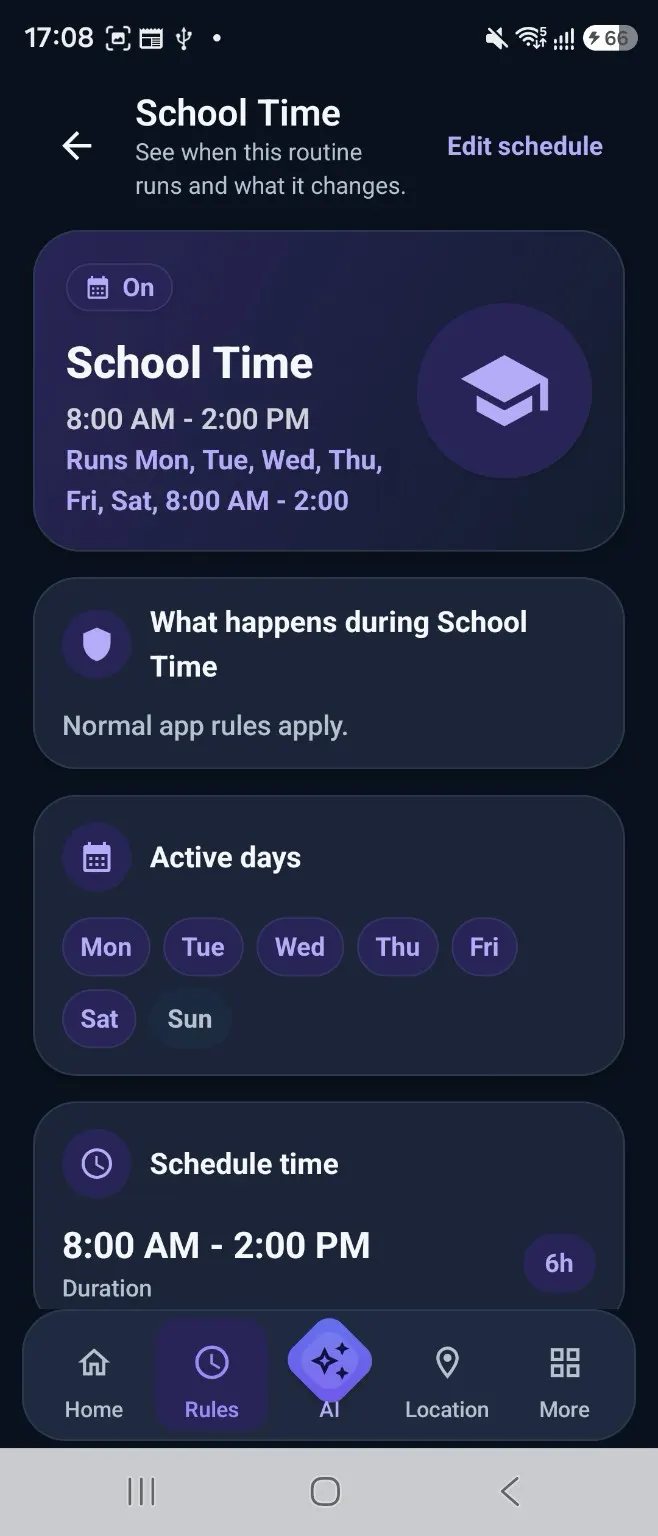
Create a clear period for learning and focused activity.
Family routines
Kidder helps families make Screen Time, focus during school hours, entertainment, and rest more predictable—without turning every boundary into a punishment.
Why balance is difficult
School days, weekends, homework, creative time, and entertainment all ask for different boundaries.
Kidder helps parents create a rhythm families can anticipate, review, and adjust as everyday needs change.
Predictable routines
Create a clear period for learning and focused activity.
Make free-time expectations visible instead of deciding again every day.
Use consistent routines to reduce digital distractions during shared moments.
Let the day wind down with a boundary children can anticipate.
Patterns with context
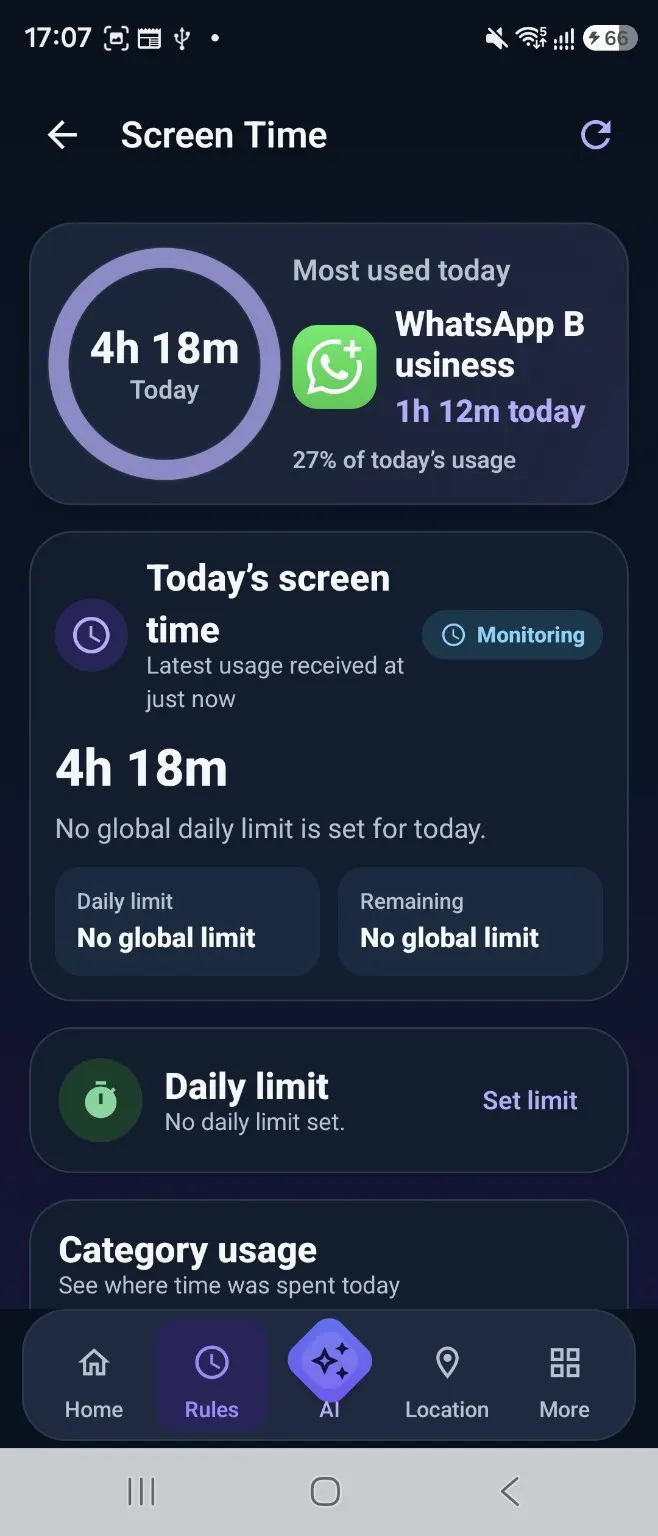
The 7-day Screen Time view and category totals help families compare daily activity, discuss changes, and revisit Rules with context.
Reasonable limits
Families can shape app and category expectations around the day, while supported Extra Time choices allow a parent to respond when plans change.
The child experience
Routine states such as School Time, Free Time, and Bedtime make the current family expectation easier to recognise.
Guidance, not punishment
Kidder’s privacy and transparency approach encourages families to explain expectations, review settings, and respect a child’s growing independence.
Put routines into practice
Check compatibility, prepare both devices, and review permissions before protection settings become active.