Kidder Child · companion app

Protection starts with a clear connection.

Install Kidder Child on your child’s Android device. With parent-authorized pairing and the relevant permissions, it connects the device to the family protections you choose in Kidder.

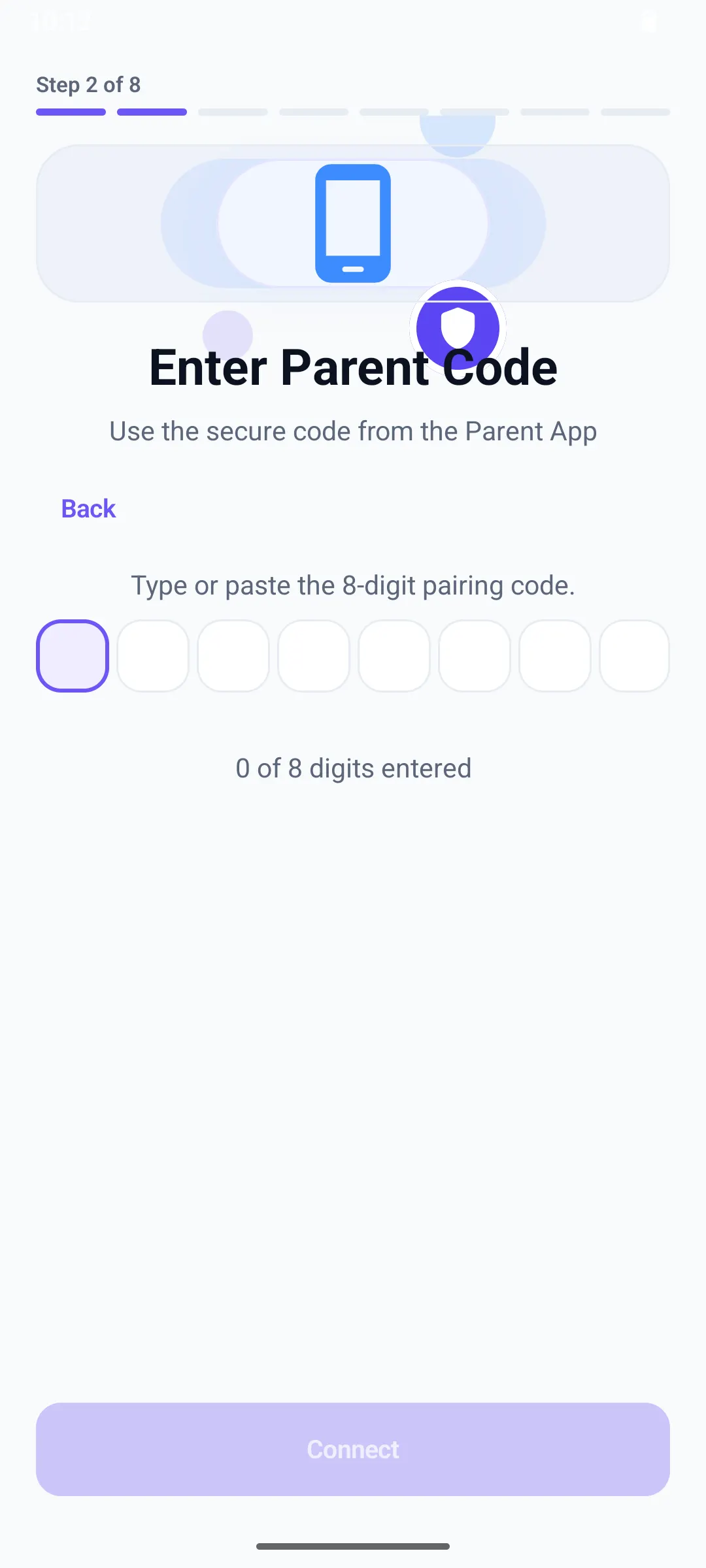
Kidder Child pairing screen with a field for the code from the parent’s phone.
Kidder Child · child device

Visible, parent-guided setup

Prepare their phone together.

  1. Start on the parent’s phone

    Use Kidder to prepare the family account and intended child profile before connecting the child device.

  2. Install and pair Kidder Child

    Use the official Google Play listing on the child’s Android device. Follow the in-app pairing steps with a Parent or guardian who has authority to enroll it.

  3. Enable the features you choose

    Review the purpose of each Android request. Applicable permissions support Screen Time, app rules, Web Safety and family location; check the resulting protection status.

Permissions with a purpose

Understand the access before enabling it.

AccessibilityService

Supports parent-authorized app and settings enforcement. It can access foreground-app and navigation signals, limited visible, editable or search text, and website addresses/domains exposed through supported browser interfaces. Content Safety text is processed locally; selected app/security, blocked-domain and derived safety events may be reported to Kidder for the linked Parent.

Usage Access

Android Usage Access provides app usage events and duration information for Screen Time summaries and the app limits and routines your family selects.

Web Safety / VpnService

Enables DNS-based parental-control filtering, not a general-purpose VPN. Cloudflare processes permitted DNS queries; the verified Kidder Child 1.0 (version code 5) implementation uses encrypted DNS-over-HTTPS without plaintext fallback in that path. Older installed-version transport is not established by that verification. Selected blocked-domain reports use a separate Kidder service path.

Background Location

With Parent or guardian authorization and the required Android location permissions, Kidder Child supports Safe Place arrival and departure alerts, including when Kidder Child is closed or not in use. Location also supports applicable family map, refresh and history features.

Transparency and consent

Keep the family informed.

Discuss setup with your child in an age-appropriate way. Android access is tied to selected features; other settings may include overlays, Device Admin, notifications and background operation. Website guidance does not replace in-app prominent disclosure or Android permission consent.

Selected blocked-domain events may be visible to the authorized Parent. This does not imply a complete saved browsing-history archive, and access to interface text does not mean all accessed text is uploaded. Read the privacy notices for data paths, retention and version-specific transport details.

Check Google Play for your device and country. Downloading does not activate a subscription or trial; website signup and checkout remain disabled.