Current location context
See the location state available from the intended child device together with a freshness cue.
Everyday reassurance
Kidder uses location freshness, Safe Places, and useful arrival or departure updates to support practical family awareness—not constant checking.
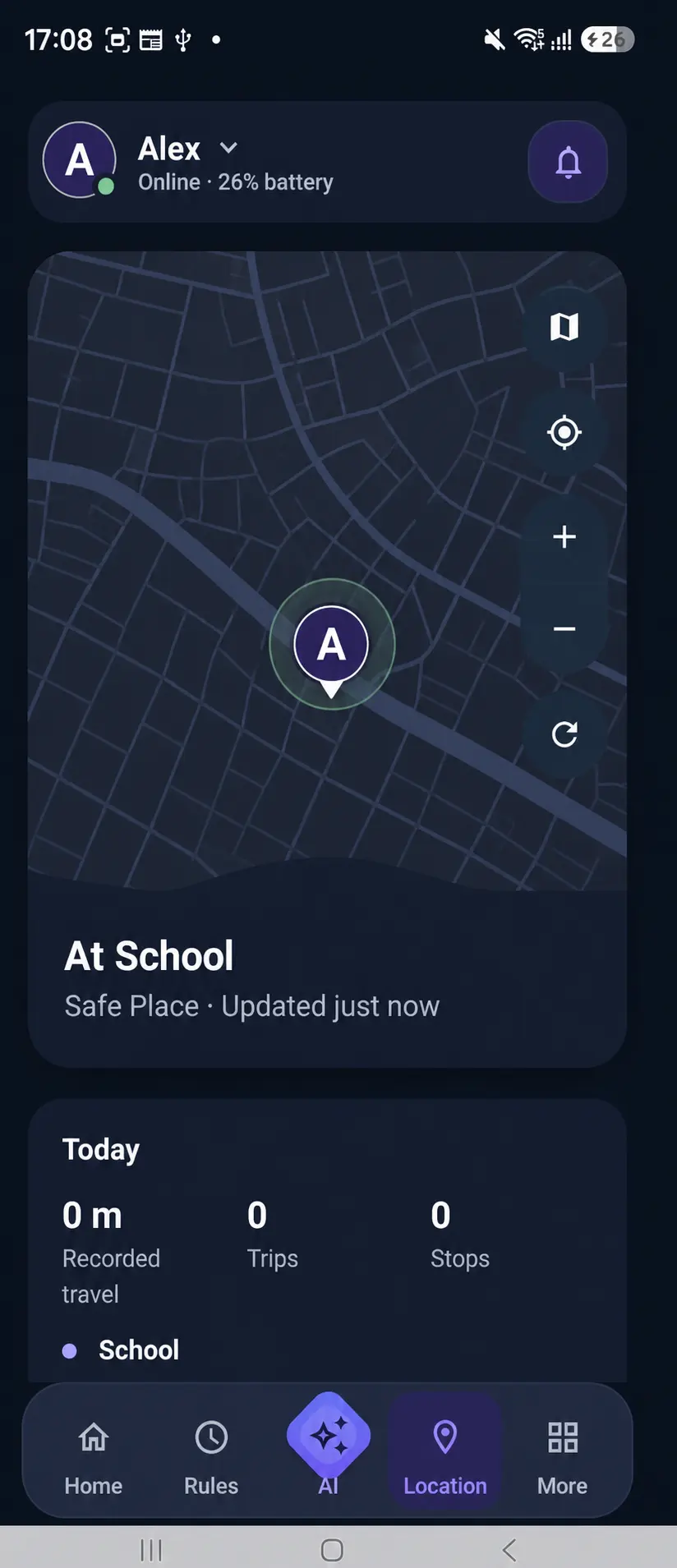
Reassurance without constant checking
A school arrival or a current device update can answer a practical question at the moment it matters.
Kidder’s family-safety experience is designed around understandable location states, family-defined places, and purposeful updates.
Practical family awareness
See the location state available from the intended child device together with a freshness cue.
Use familiar family places, such as school, to make ordinary transitions easier to understand.
Receive a useful update when the supported Safe Place state changes.
Read the update time alongside the location state instead of assuming every state is live.
Everyday family moments
Morning
The family begins the day with the expected device and location settings available.
School
A useful update offers reassurance during the transition.
Later
The parent reads the device update time before deciding whether anything needs attention.
Location and privacy
Families should understand which device is sharing a location state, why relevant Android access is requested, and how the chosen safety experience is used.
Android and device considerations
Check current compatibility, keep the intended device connected, and review the relevant setup guidance before relying on family-safety states.