Use the parent Android device
Start on the device the parent will use for the Kidder family experience.
Android setup · Parent app
Preparatory guidance for the Android device the parent will use. Continue only through an official acquisition and account path when Kidder publishes one.
Before this step
Start on the device the parent will use for the Kidder family experience.
This website does not currently publish app acquisition or account enrollment. Do not use an unverified download source.
Be ready to create the family space and add the intended child profile.
Step by step
Android labels and settings paths can vary by device. Read the wording shown on the device in front of you.
On the parent Android device, use only the acquisition and account route published by Kidder. No public route is linked from this website yet.
Follow the official installation path presented through Kidder, then open the parent app.
Complete the account or sign-in flow presented by Kidder, then continue to the family setup area.
Choose the option to begin adding the child who will use the Android child device.
What you should see
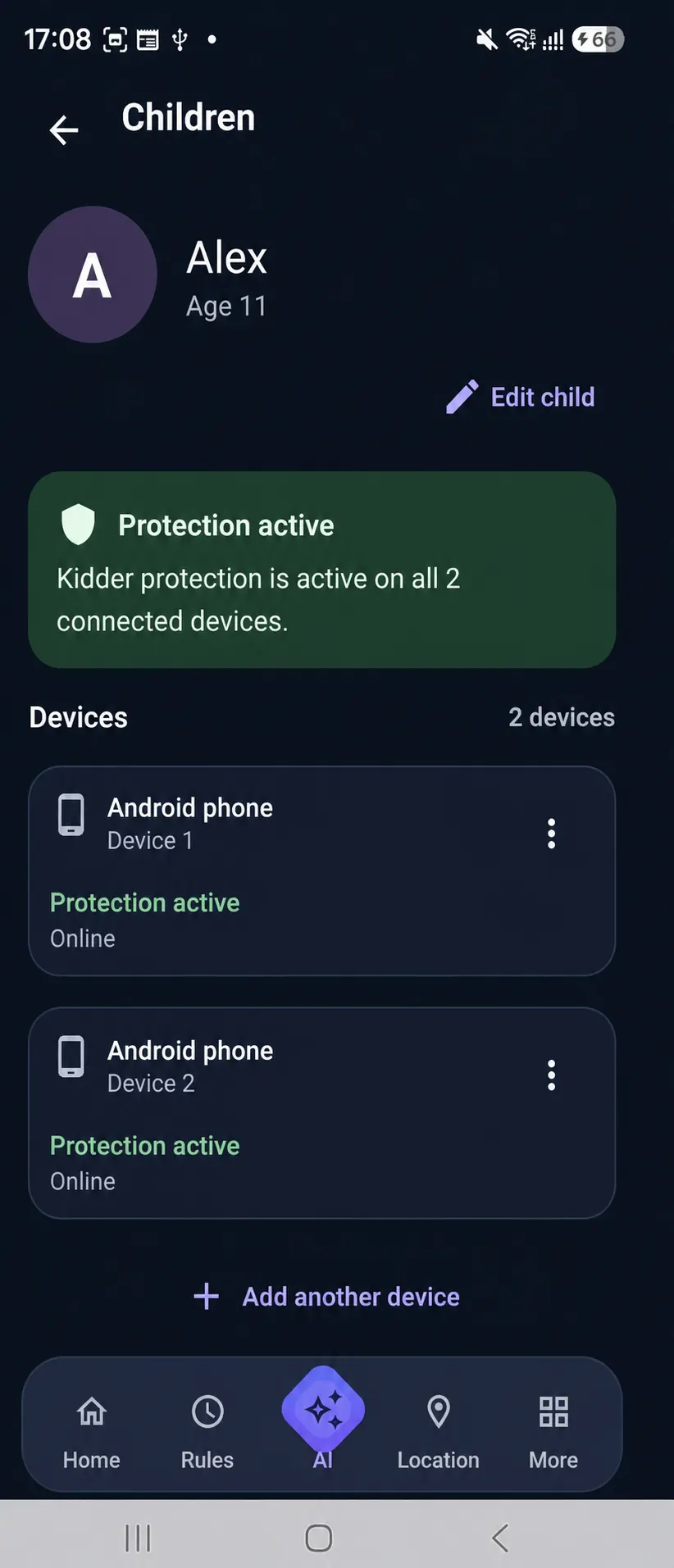
You should be inside the Kidder family space with a clear path to continue setup for the intended child.
If it does not work
Stop. A public acquisition and account route is not linked from this website; do not substitute an unverified download source.
Check the internet connection, review available device updates, and restart the device before trying again.
Return to the family-space screen and finish the details Kidder presents before adding a child device.