Product journey
One connected family experience, explained simply.
A parent creates the family space, prepares the child’s Android device, chooses routines and protections, and receives useful updates as family needs change.
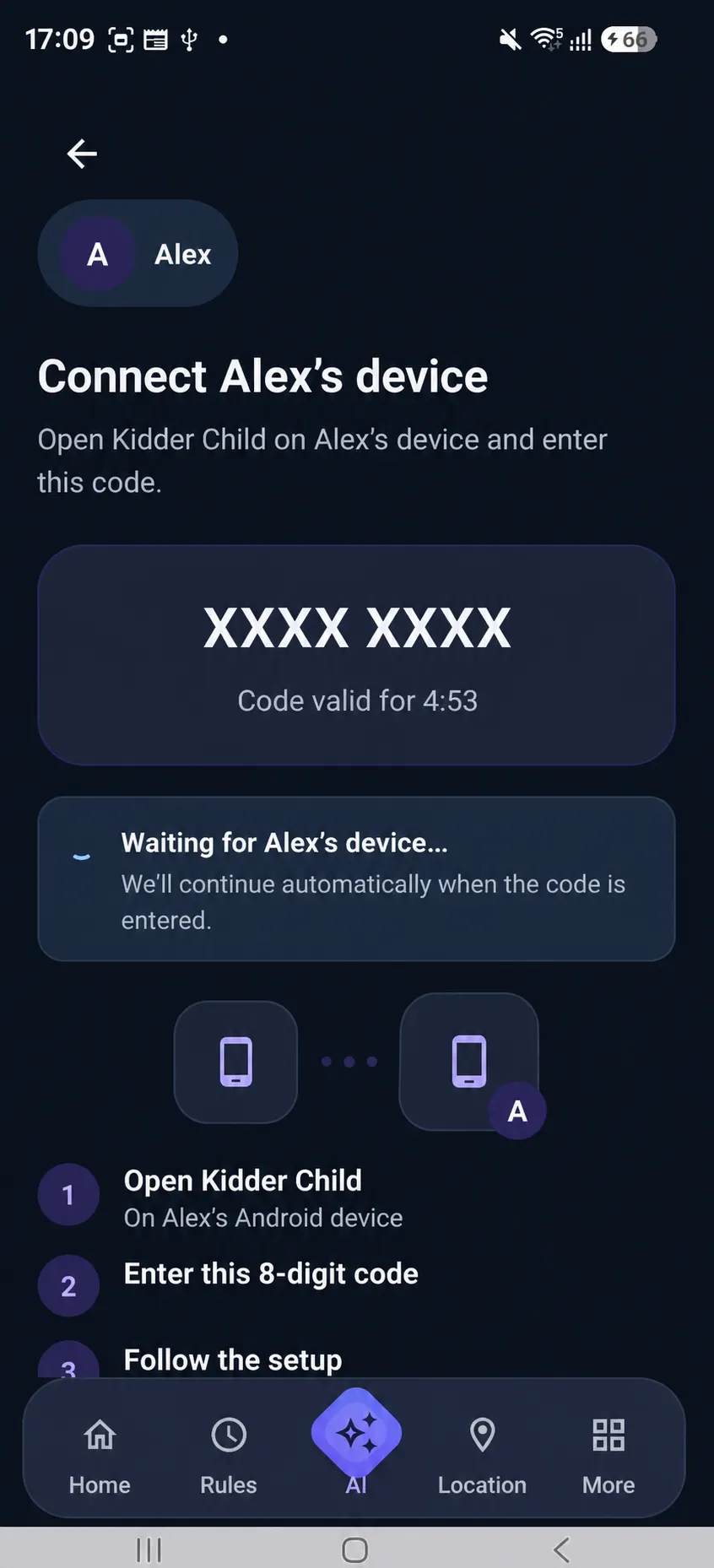
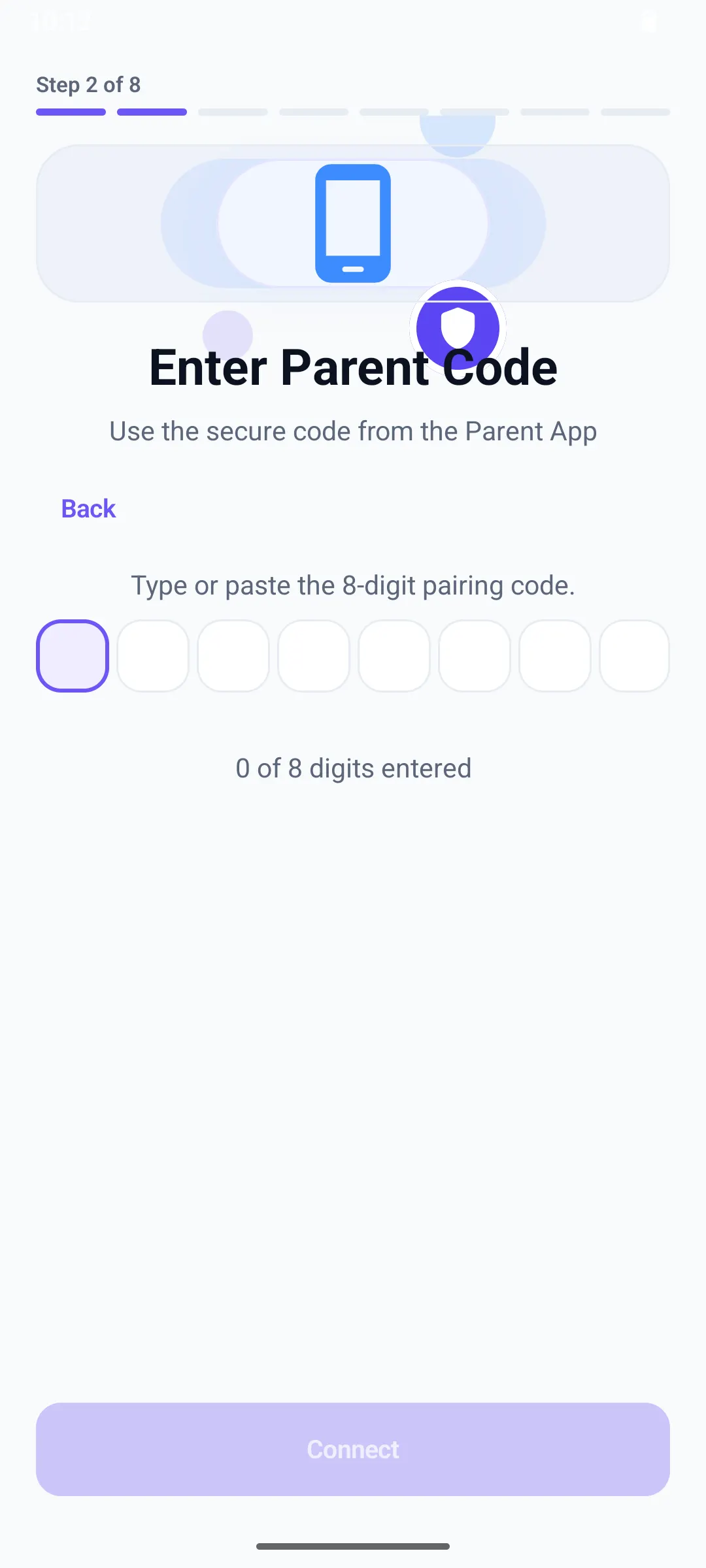
The Kidder system
Four steps connect family choices to everyday context.
This is the conceptual product flow. Getting Started provides the detailed installation and setup instructions.
- 01
Create the Parent account
Begin in the Kidder Parent App, create the family space, and prepare the intended child profile.
Parent - 02
Connect the child device
Prepare the supported Android device, follow the pairing journey, and confirm the intended family connection.
Connect - 03
Choose protections together
Review relevant permissions, then select the Rules, routines, and safety settings that fit your family.
Choose - 04
Stay informed and adjust
Use current status and recent activity as context, then revisit family choices as needs change.
Review
One connected system
The product stays focused on family choices.
Kidder connects the parent experience and child device around routines, online safety, family-safety states, and useful updates in a flow families can understand.
Transparent from setup onward
Families should understand what is enabled and why.
Kidder’s approach connects relevant permissions to product purposes and encourages families to review choices over time.
Designed for Android
Move from product understanding to guided setup.
Check device considerations first, then review the parent-app, child-device, pairing, and permission guides. Public app acquisition is not yet linked from this website.