Protection status
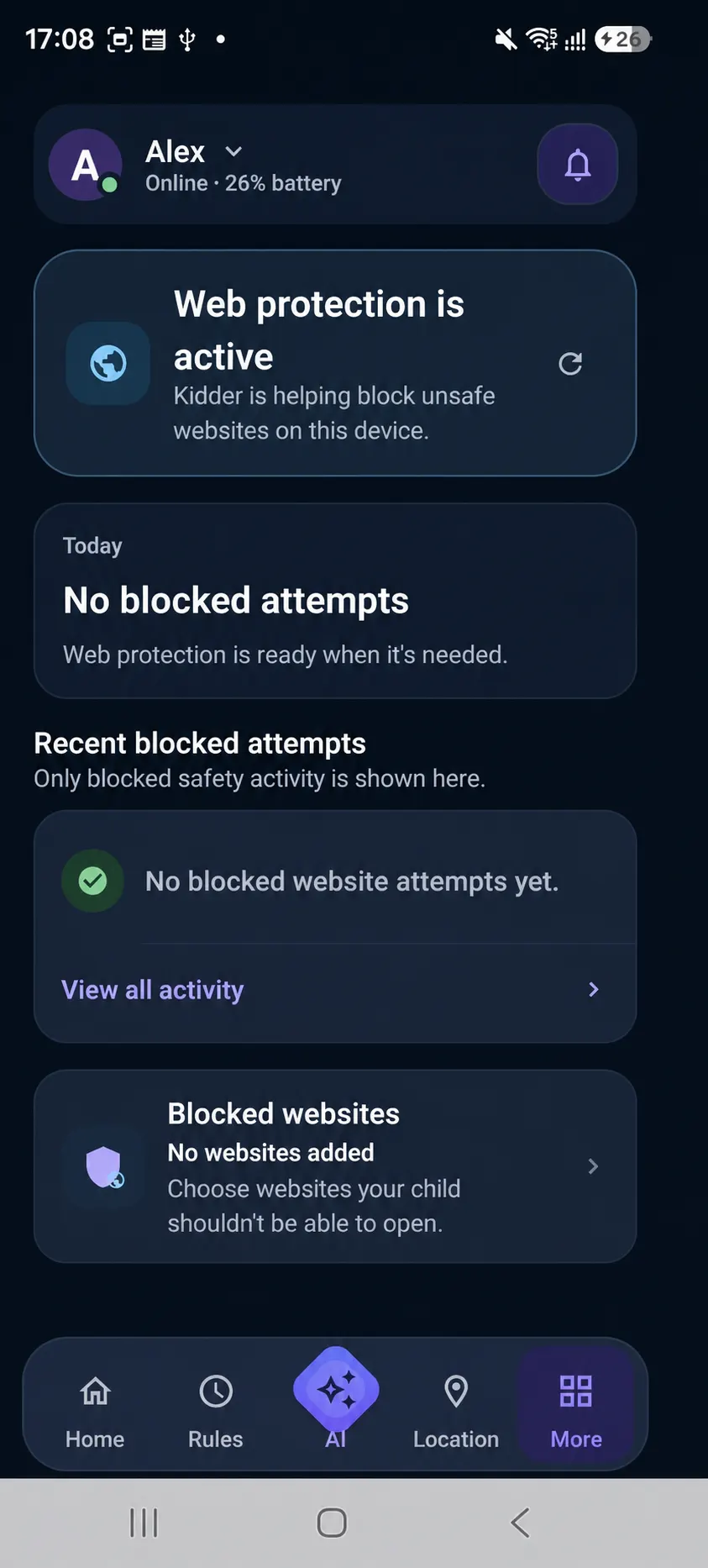
See whether Web protection is active on the intended child device.
Online protection
Kidder supports Internet Safety through Web protection, family website rules, and calm protection states—so boundaries can guide exploration without fear-first language.
Safer exploration
Children need room to learn and explore. Parents need choices they can understand.
The Parent App presents Web protection as part of Internet Safety, while the Child App uses Safe Internet during setup.
How Web protection helps
See whether Web protection is active on the intended child device.
Use allowed and blocked website rules to shape family expectations around online exploration.
When a site does not fit a family rule, the Child App can present a calm protection state and next step.
Summary-level review cues can bring a meaningful protection state forward without exposing private browsing detail.
What Kidder shows
The experience centers on Web protection, website rules, protection states, and summary-level review cues.
Important limits
Protection depends on supported Android devices, correct setup, relevant permissions, and the family choices available in the product.
Android setup guidance
Review device considerations and each requested access before relying on Web protection. Public app acquisition is not yet linked from this website.