Healthier habits
Shape routines around school, free time, rest, and family expectations.
The Kidder platform
Kidder brings Rules, Screen Time, safety status, Location, and recent activity into one connected Android experience—so parents can stay informed without losing sight of trust.
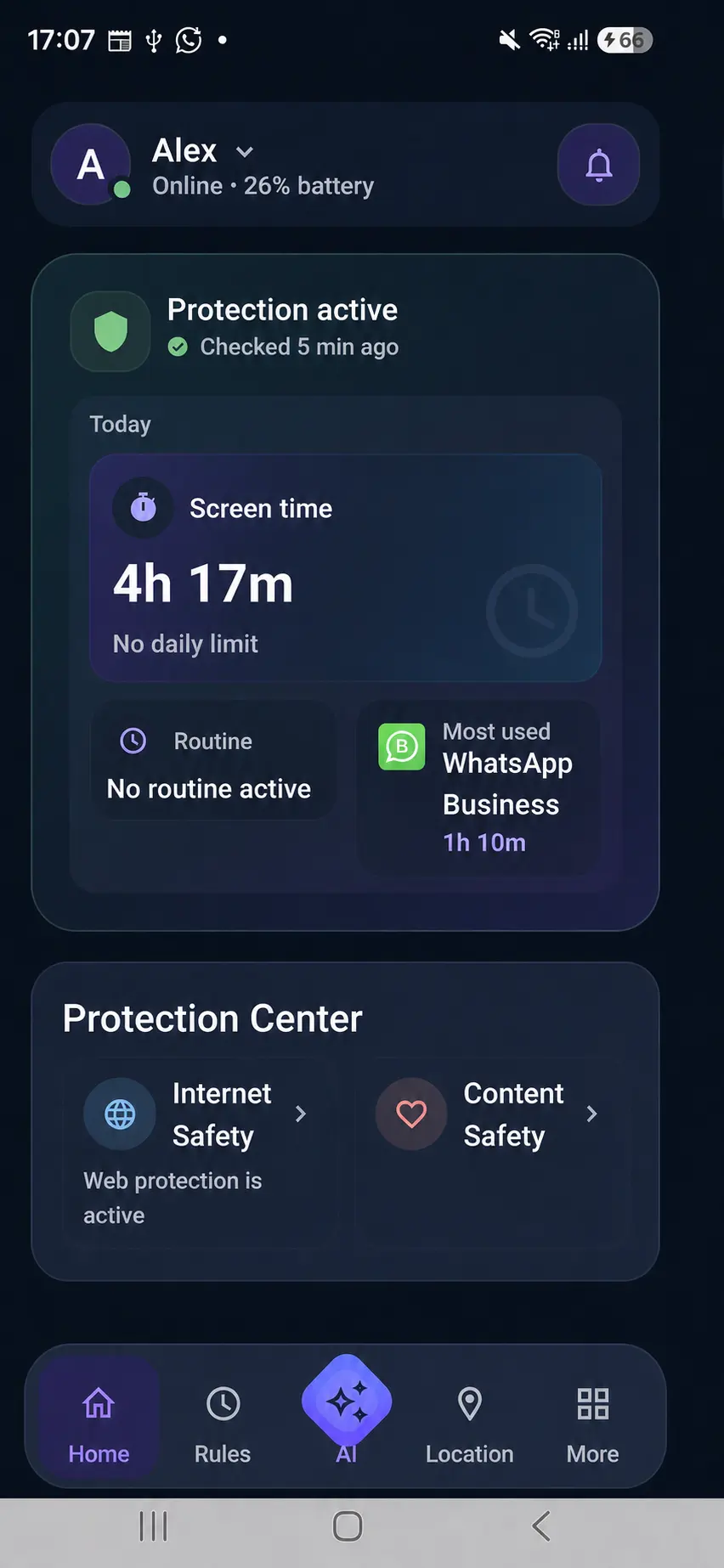
Built for real family outcomes
Kidder helps families turn digital-safety intentions into understandable, everyday routines.
Shape routines around school, free time, rest, and family expectations.
Use clear settings and useful signals to support safer online choices.
Use Screen Time, App Usage, and recent activity as context for thoughtful family conversations.
One connected experience
Set focused time, free time, and rest around real routines. App and category Rules keep expectations understandable across the family.
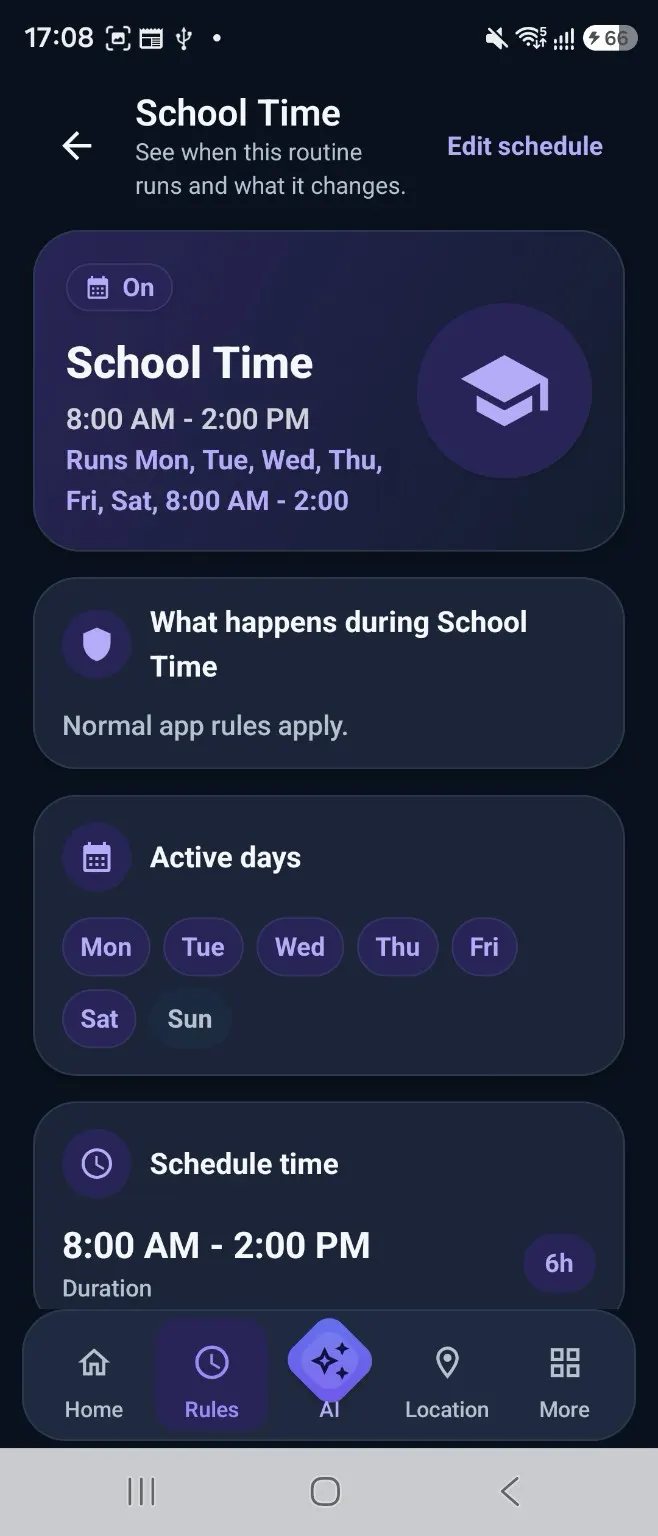
Safety status, 7-day Screen Time, App Usage, and recent activity help parents respond with context rather than turning information into a score for the child.
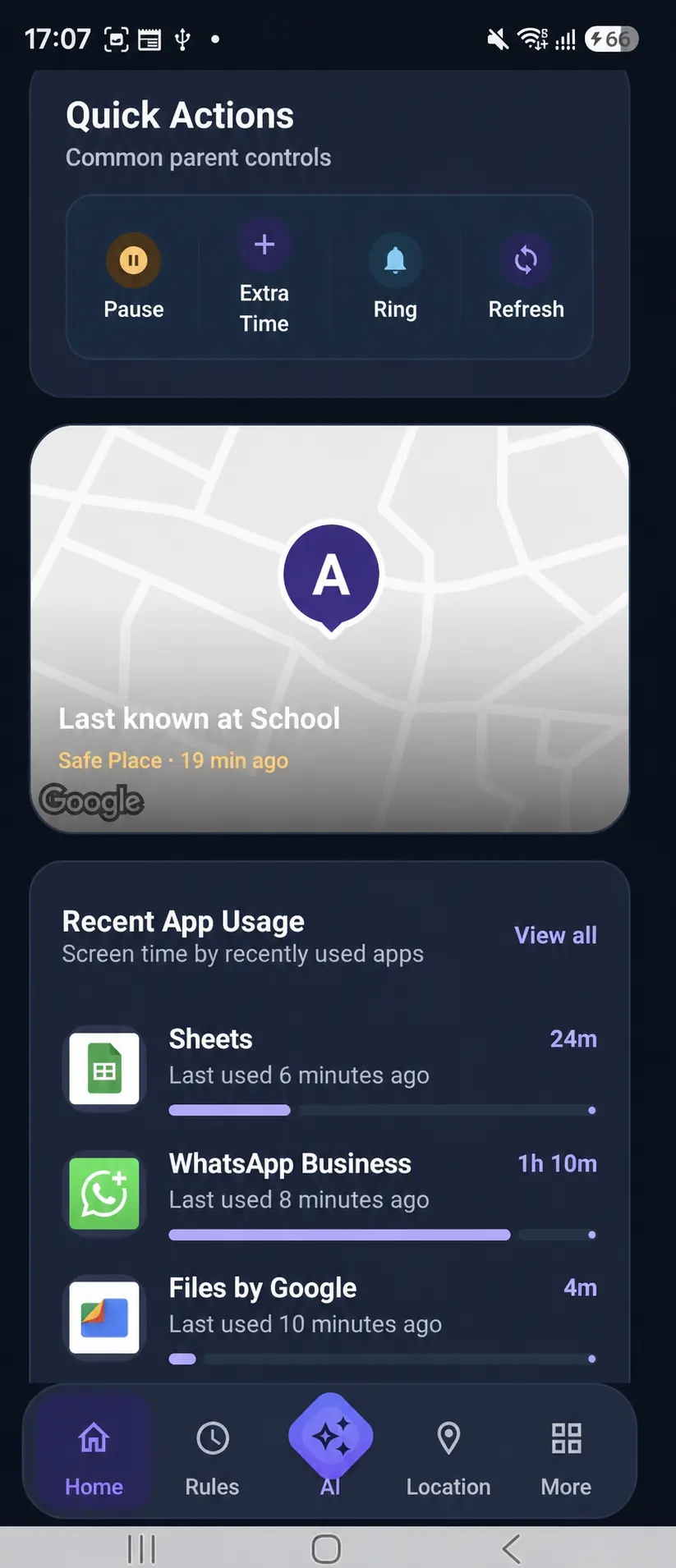
Product proof
Kidder organizes family activity around the decisions that matter: what is happening, whether a routine needs attention, and what a parent may want to discuss next.
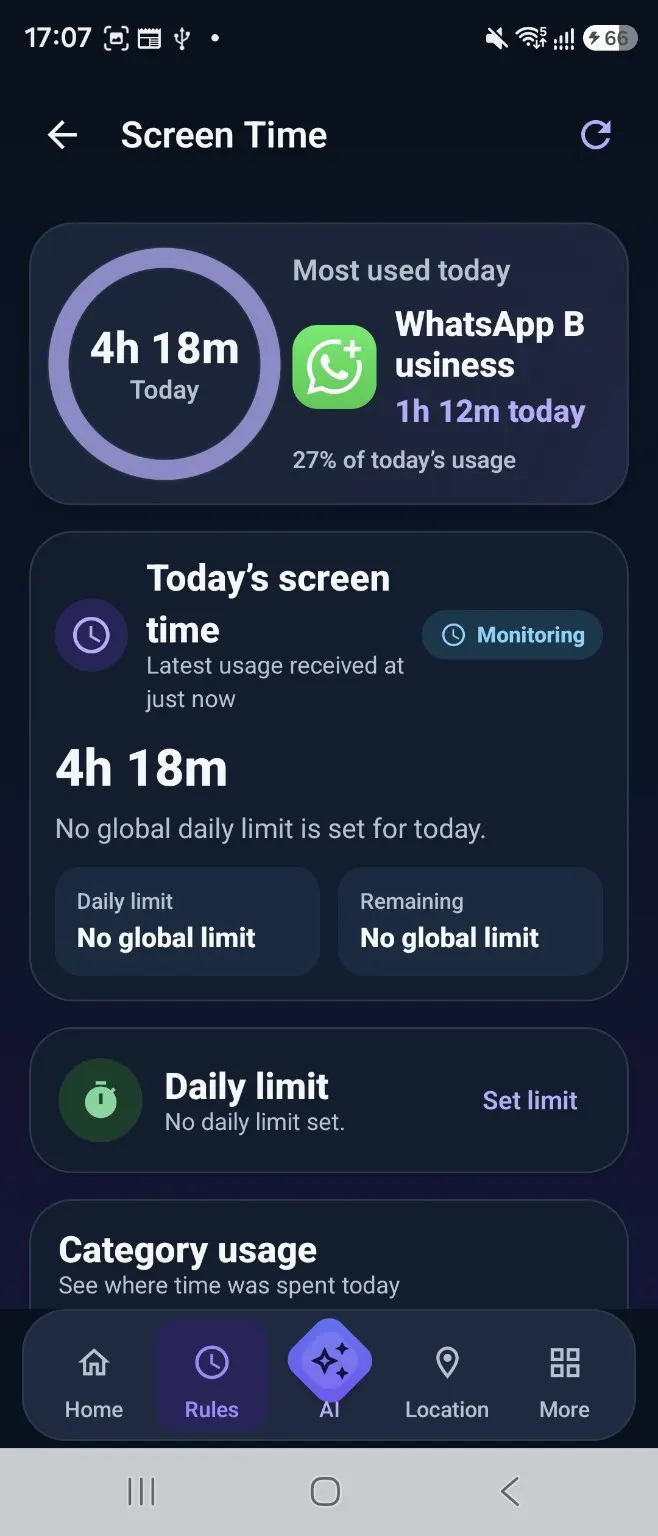
How Kidder works
A guided path keeps each step understandable before protection becomes active.
Begin with the parent experience.
Prepare a supported Android device through the guided family setup.
Connect the device to the right family profile.
Understand why each requested access matters.
Choose settings that fit your family.
Privacy and trust
Kidder’s product story is grounded in transparency, understandable permissions, child respect, and parent choice.
Designed for Android
Review device considerations and the parent-app, child-device, pairing, and permissions journey. Public app acquisition is not yet linked from this website.
Plans built for families
See current plan information and what is included before beginning setup.